Fun
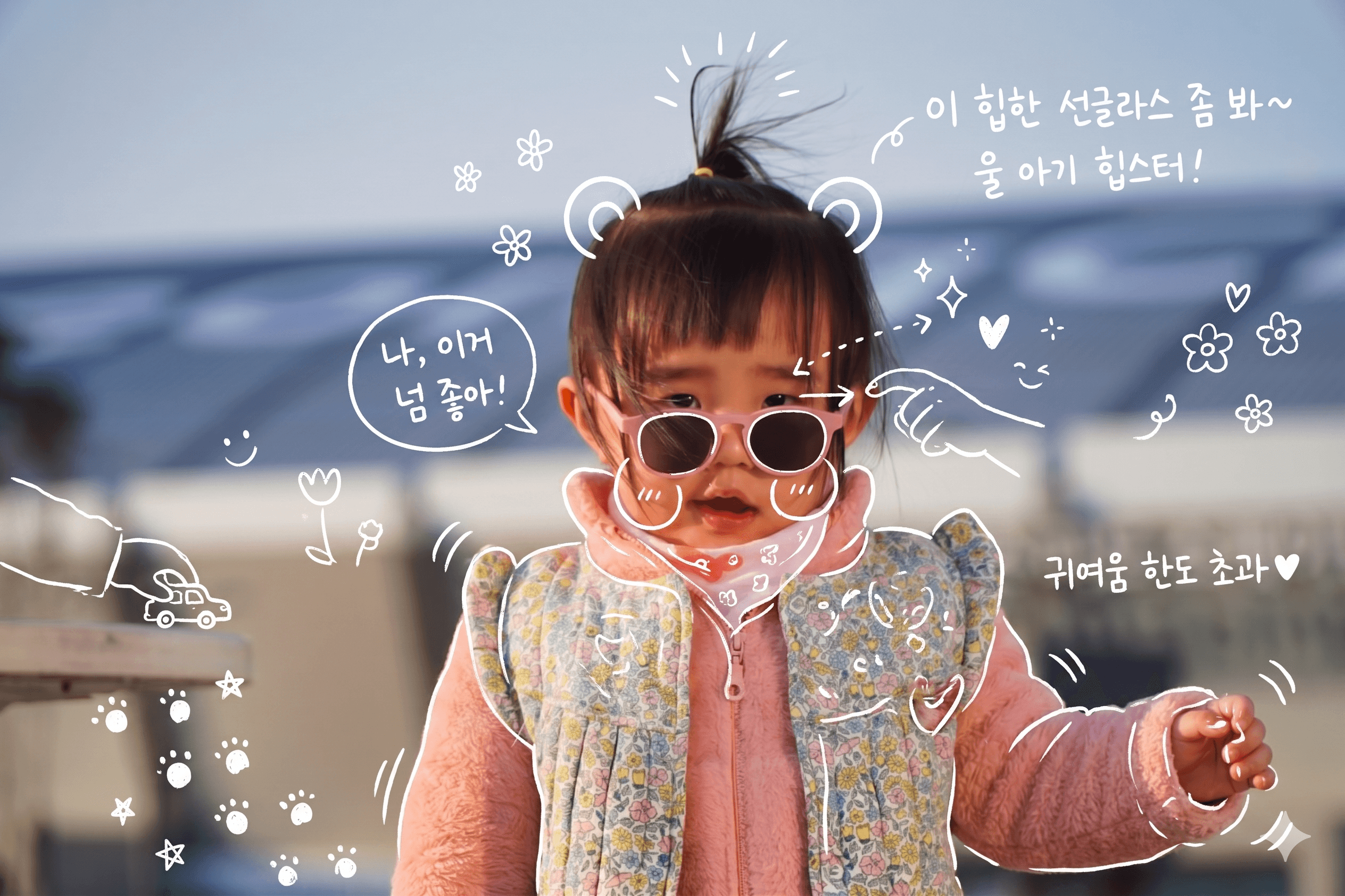
Kid Photo Doodle
White hand-drawn annotations + hearts + memos over your kid's photo
Which photos work best
Solo child photo (any moment — playing, outing, daily life). Compositions where face, hands, and feet are visible give richer annotations.
Prompt
Use the uploaded child photo as the main reference image. Reflect the child's expression, pose, props, and surrounding toys as naturally as possible to maximize the cuteness and emotion of the moment. (Do not add any additional people.)
[Hand-drawn annotations]
- Carefully observe the elements in the photo and add fitting hand-drawn annotations
- White-pen feel, rough and slightly uneven hand-drawn lines
- Trace outlines around the child's cheeks, eyes, hands, fingertips, and worn items (hat, shoes, clothes)
- Use arrows and dotted lines to emphasize gaze and actions
[Handwritten memos]
- Korean handwritten memos praising the child's cuteness
- Short lines as if the child is speaking, or a parent's affectionate inner thoughts
[Small emoticons]
- Sparkle effects, hearts, tiny flowers, stars, animal ears, footprints, smiley faces — small and varied
- Subtle but diverse, not overwhelming
[Overall mood]
- Spacious Instagram story / magazine memo style
- Natural and effortless emotional feel
- Preserve the photo's pure atmosphere while complementing it
[Quality boosters — apply to all results]
- Follow the trend's specific art style (cel-shading, watercolor, 3D Pixar, etc.) as the top priority. The identifiability/expression rules below apply WITHIN that style
- Keep the subject's face shape, features, and hairstyle recognizable (someone who knows them should identify them)
- Warm expression with a subtle smile; subject should feel slightly more attractive than the original in a natural way
- BUT do not alter the face enough to make them look like a different person
💡 How it works · ChatGPT will auto-fill the prompt, or if not, long-press the input and paste → attach your photo